APKPure
APKPure quick access to update your apps and games without registration

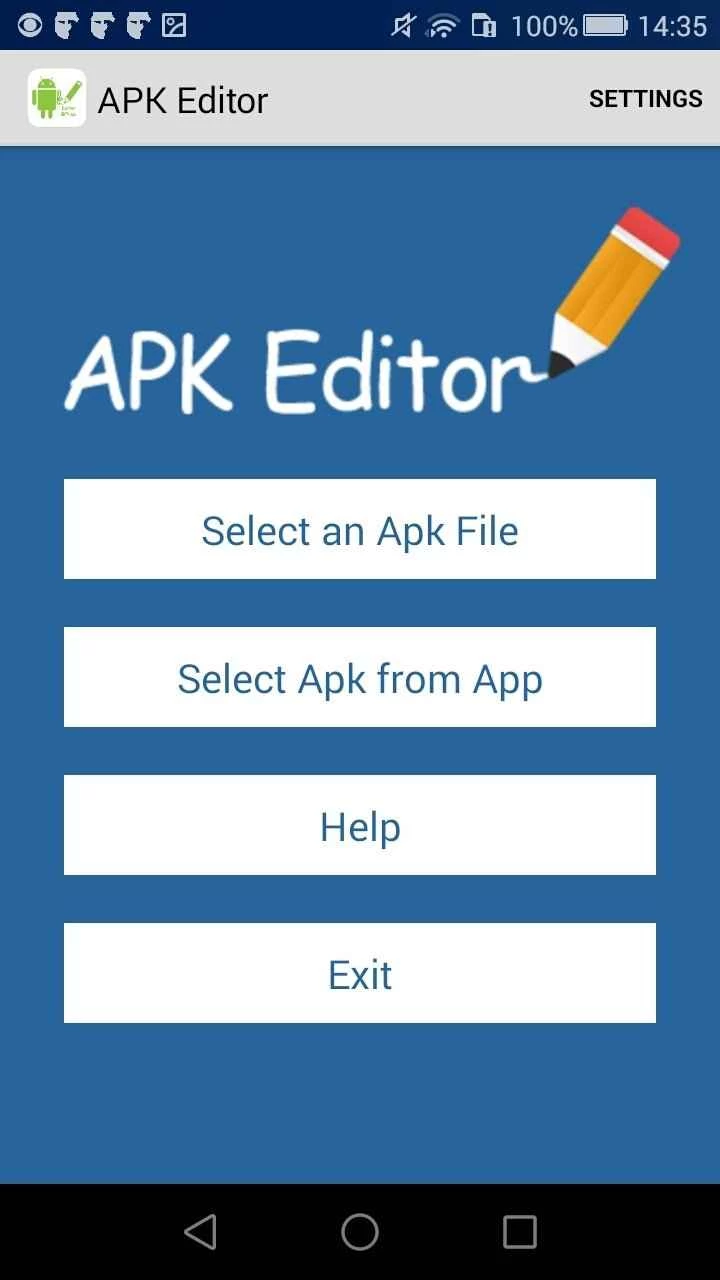
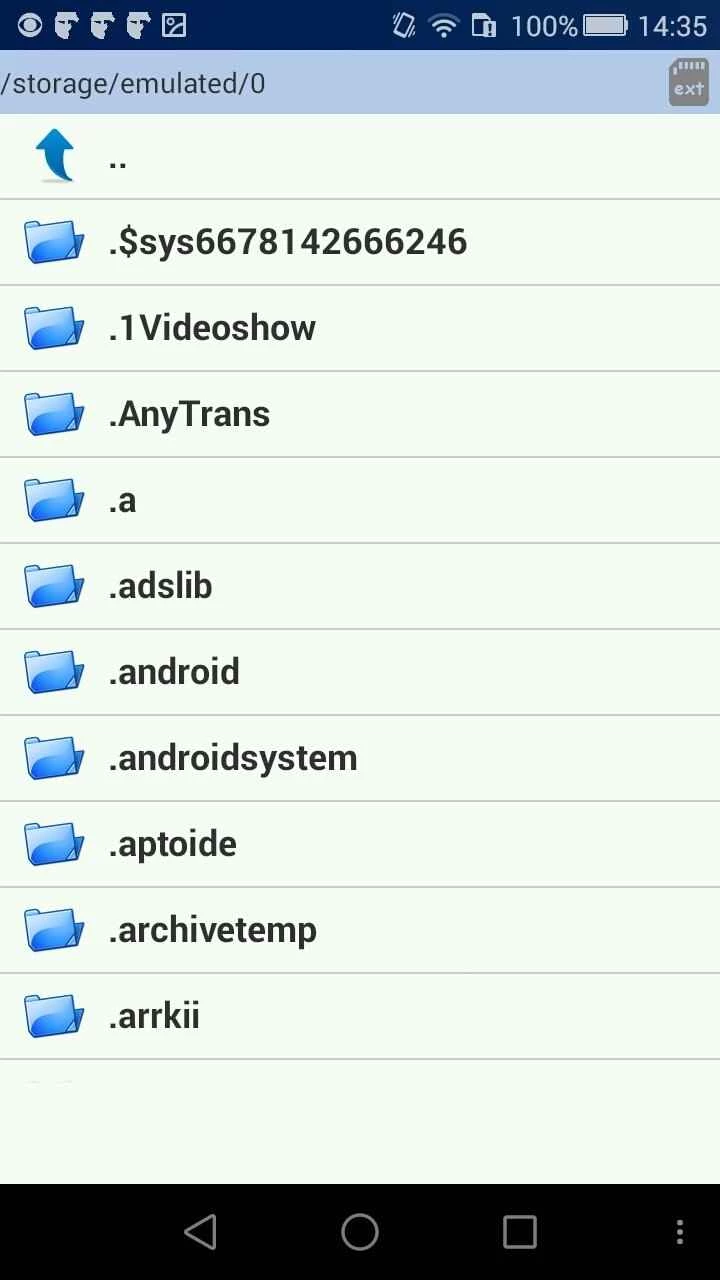
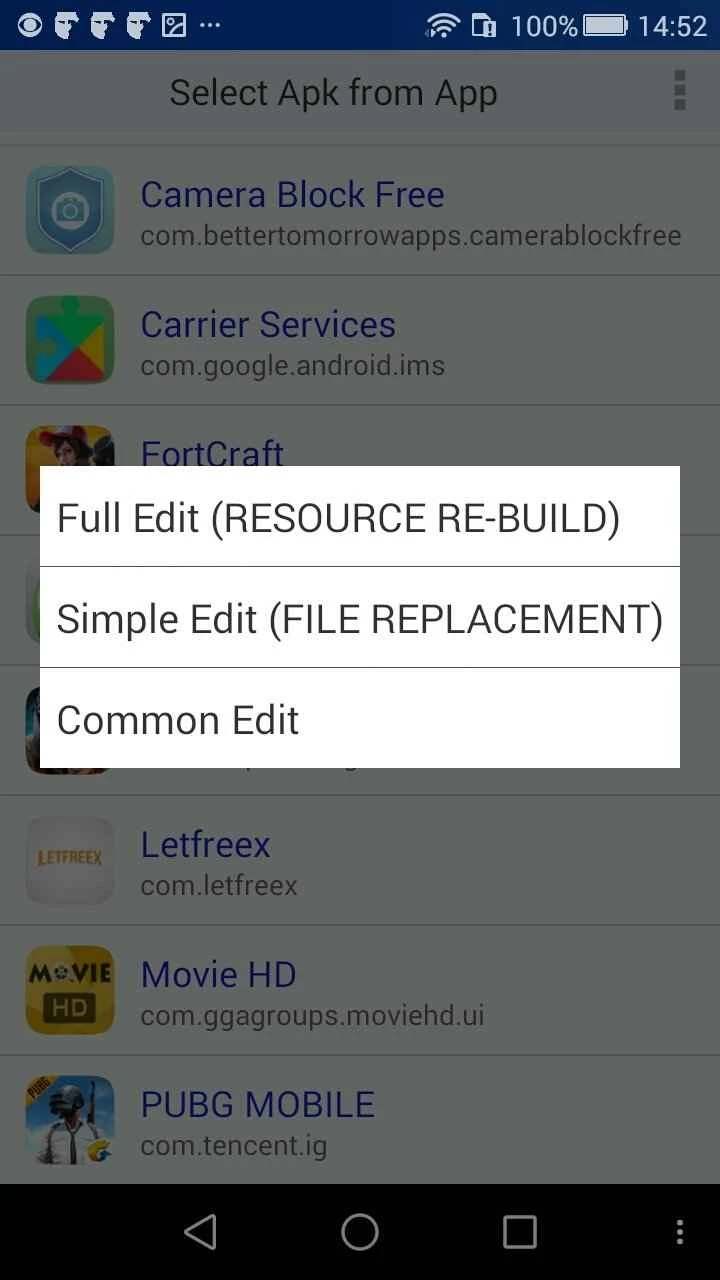
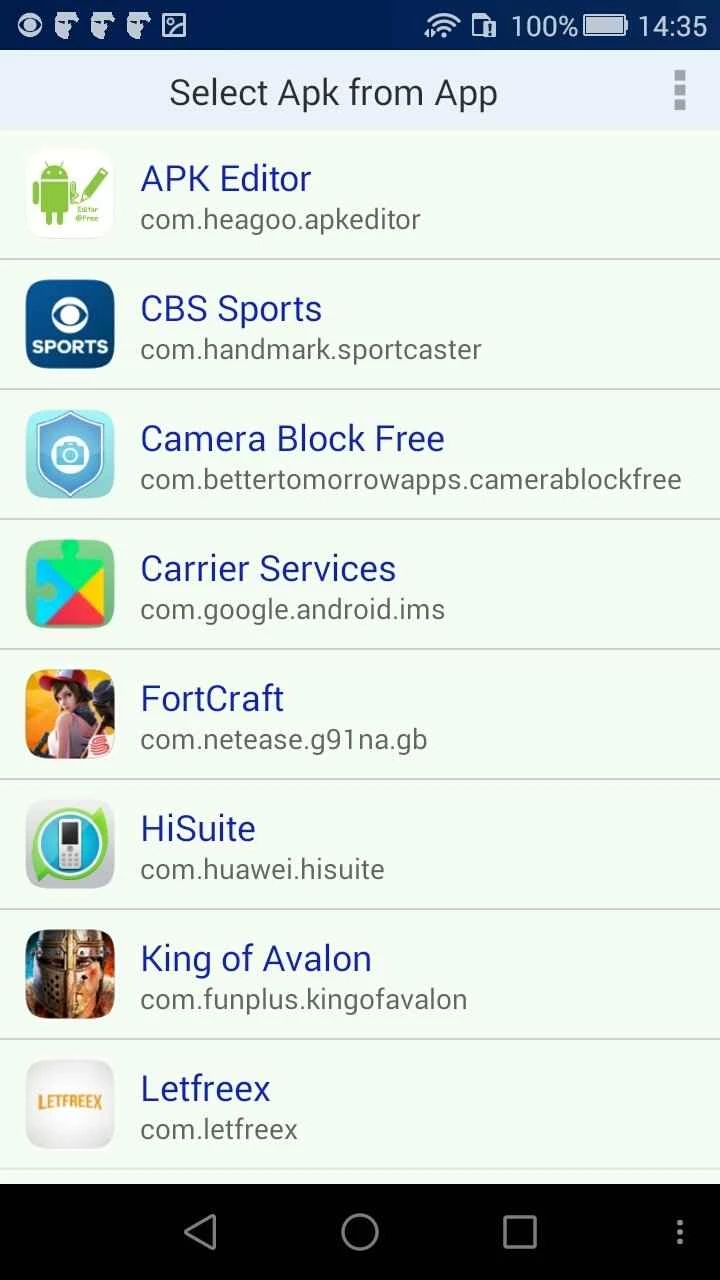
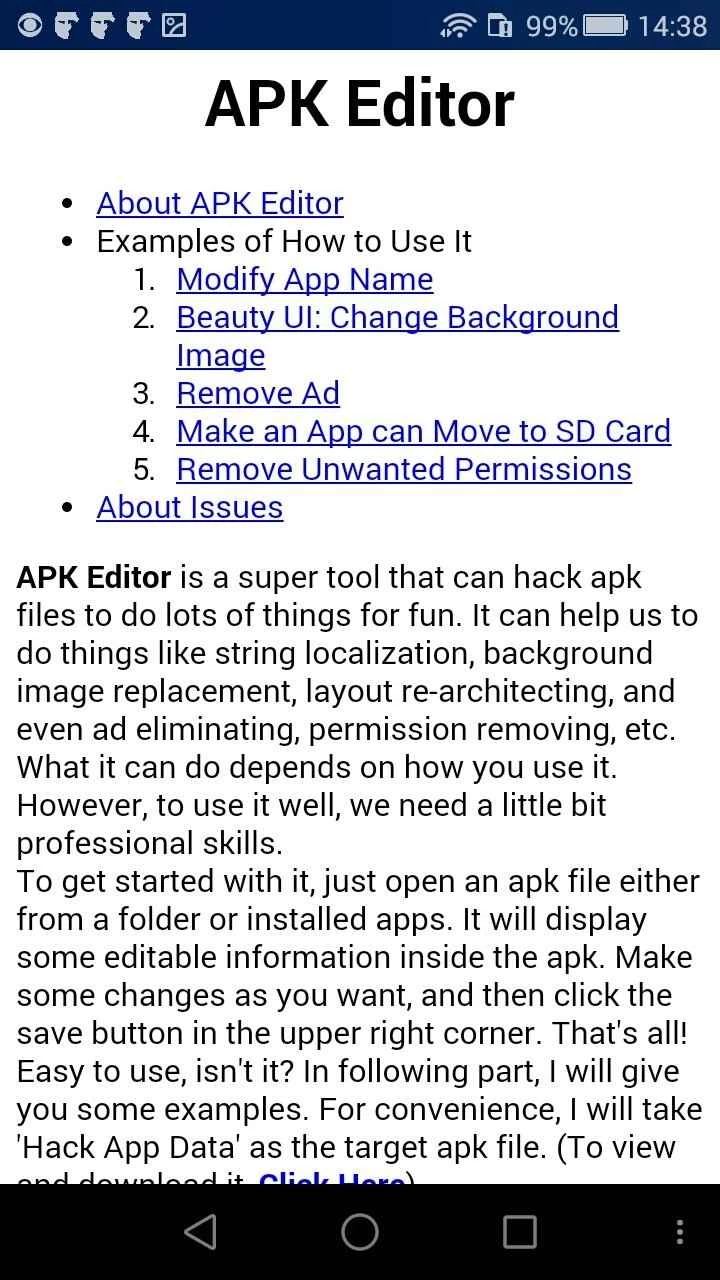
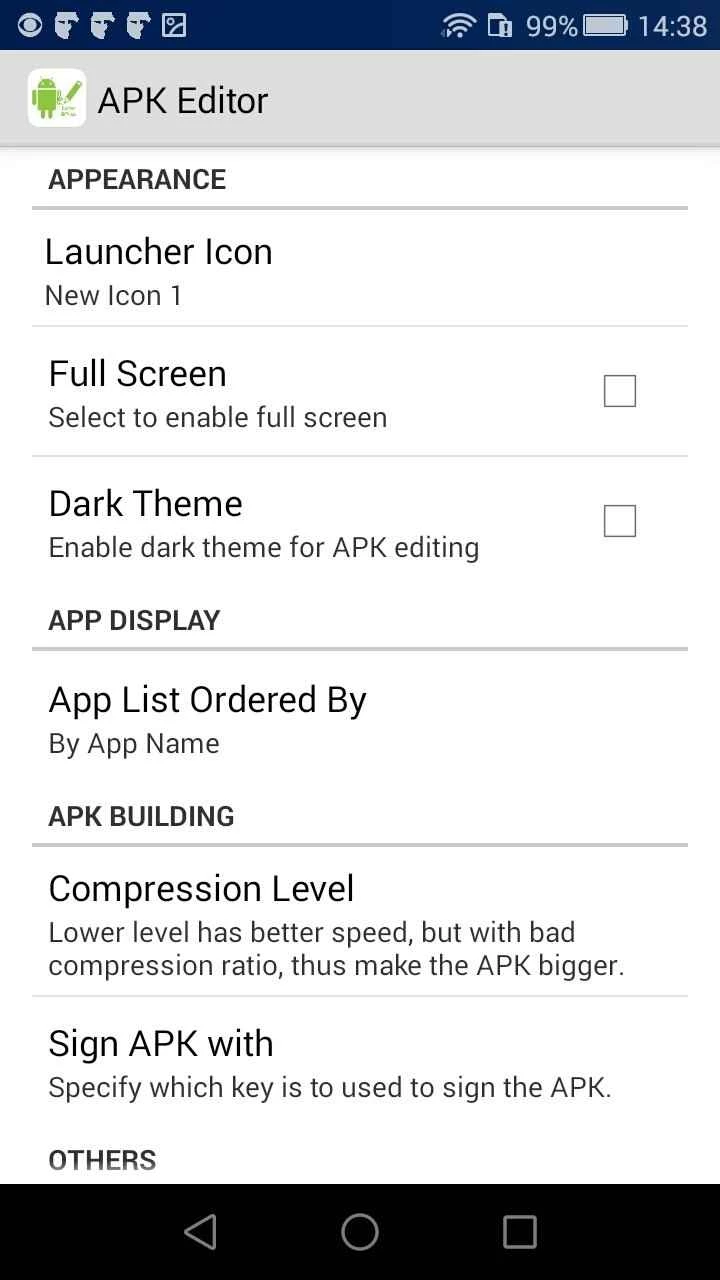
APK Editor offers hassle-free editing as well as modification of APK files without connecting your Android device to a desktop. It is a versatile development tool that allows users to modify app permissions, asset swaps, or other personalization according to requirements. You can use the APK from local storage, and in case of not have it, simply extract it from an installed app.
It is a simple-to-use utility and equally useful for both novice and professional users, as it offers simple steps to import APK, edit, and rebuild it. The support for two types of editing: one for complex editing and the other for simple editing.
APK Editor is a simple yet effective development app that helps to edit the saved APKs on your Android device. It is developed by DeviDot and available in different versions, including APK Editor, APK Editor Pro, and APK Extractor & Installer.
The app makes it possible to perform multiple unexpected tweaks, such as removing unnecessary permissions, changing the background image, and so on, as it offers deeper control; regardless of whether users are curious, experimental, or satisfied with the app structure.
The app is a file containing programming and assets to enable you to install an app on your Android operating system. It offers quick installation while allowing the Android developers to package app contents. It is basically designed for opening APK files, and reliably viewing and editing the contents. You can import the APK from local storage or simply import it from an installed app on your device.
It supports two types of modes for editing the content according to your requirements. However, the use of the “App Data” feature can cause of banning by Google. The app also requires some tech-savvy skills, so only experienced users with thorough knowledge of mobile app development can use it.
The support for two editing modes helps users to select the mode according to their requirements.
The decompiling and recompiling of APK files is one of the standout features, which allows the seamless editing of images, strings, and layouts. The plus point is that you do not need to have any extensive coding knowledge. So, you can reliably change the appearance of your app or remove unwanted ads within a few clicks.
It is the best software that can be useful, regardless of whether you want to use it personally or as an Android developer. It offers awesome features for adding to your arsenal, and reliably tweaks APK files. The impressive suite of settings, features, and editing modes is designed to make everything simple and easy in Android development.
The app offers quick and straightforward navigation, and allows users to personalize the visuals, such as replacing background images, adjusting layout resources, and modifying the icons and splashing of screens. You can make satisfactory changes and get quick results.
The APK Editor can help you with dual installation. If you like to run two accounts of any app, such as WhatsApp or Facebook, the app will give you a chance, but you need to use the tool very carefully.
Security is a big deal, and you will find the app one of the safest and most secure. No matter, the violation of terms and services while editing the apps can lead to instability. So, it is necessary to create a backup of your files before you start editing. So, it is better to distribute any modified app with the permission of the developer.
The app requires allowing permission for starting to rewrite app behavior, so you can remove certain permissions from the APK management. It helps the power users to control the app requests in a better way. In addition, the integration of multiple languages into every app can create storage issues. You can use the app to delete the unwanted languages to reduce the file size. It is the best option for older devices with minimal storage.
Pros
Cons

APKPure quick access to update your apps and games without registration

vnROM BYPASS FRP GOOGLE ACCOUNT from your Android device

Aptoide APK provides limitless apps to install and share

Download Google Play Store APK for Android and enjoy your favorite Android apps or games on your mobile devices

FRP Bypass is a free tool used for bypassing the Google lock, screen lock, and factory reset.

InstaUp automates your Instagram followers free of charge